Rapid Health & Appointments
All appointments requests and admin queries are submitted via Rapid Health
Available Monday - Friday
Please read the following:
- Rapid Health is our booking triage system that puts YOU in control of your healthcare journey.
- If you are filling this out on someone else's behalf, the form must be in the name of the person who it concerns, not your own as it needs saving to their record
- For more information, please see further down the page "Rapid Health Help" for a video, information guide and FAQs
Read the examples to decide which is most appropriate pathway for your needs. It will take you to a new page where you will submit your request. You may be asked to resubmit your request if you choose the wrong option
Medical request - PLEASE CLICK HERE
I have a health concern
For Children Under 16, please scroll down. Choose this option if you have a medical problem that needs urgent attention from a doctor. Your request will be reviewed by the Duty Doctor, who checks medical requests daily.
Examples:
- You have a new symptom or health concern.
- You are in pain and need an appointment.
- You need pain relief.
- You need to inform the Duty Doctor about a medical problem.
- You need an orthopaedic or physiotherapy appointment with Ryan.
What happens next?
- Enter your main symptom and search.
- Read the options carefully and choose the one that best describes your problem.
- Answer the questions as accurately as possible.
- Depending on your symptoms, you may be advised to go to A&E.
- If appropriate, you may be offered an appointment or your request will be sent to the Duty Doctor for review.
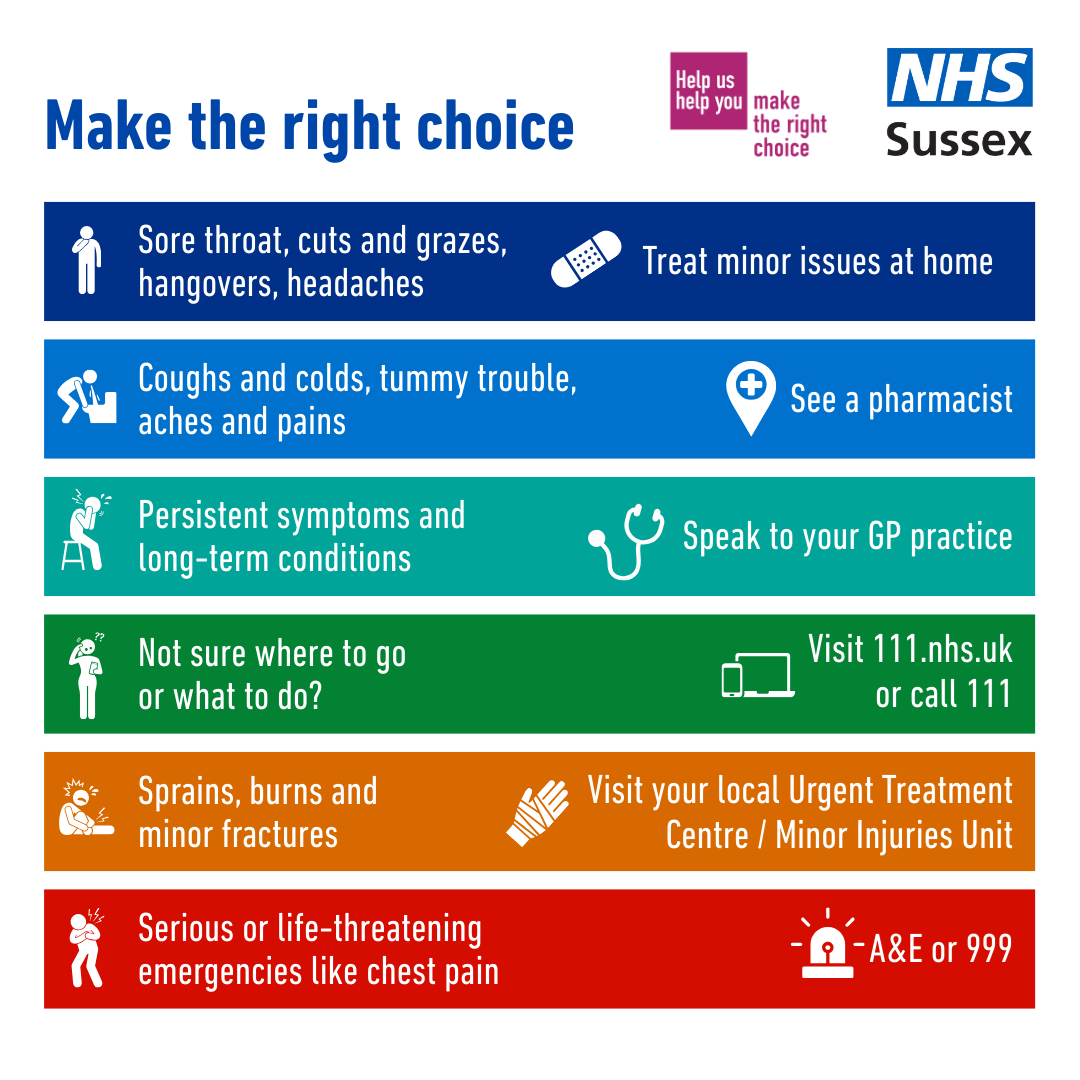
If you have an urgent life-threatening emergency, such as chest pain, please call 999
Admin Requests - PLEASE CLICK HERE
I need a routine appointment or help with something else
Choose this option if your request is not urgent and doesn't need immediate medical attention. Your request will be reviewed by the Admin team, who checks the inbox daily.
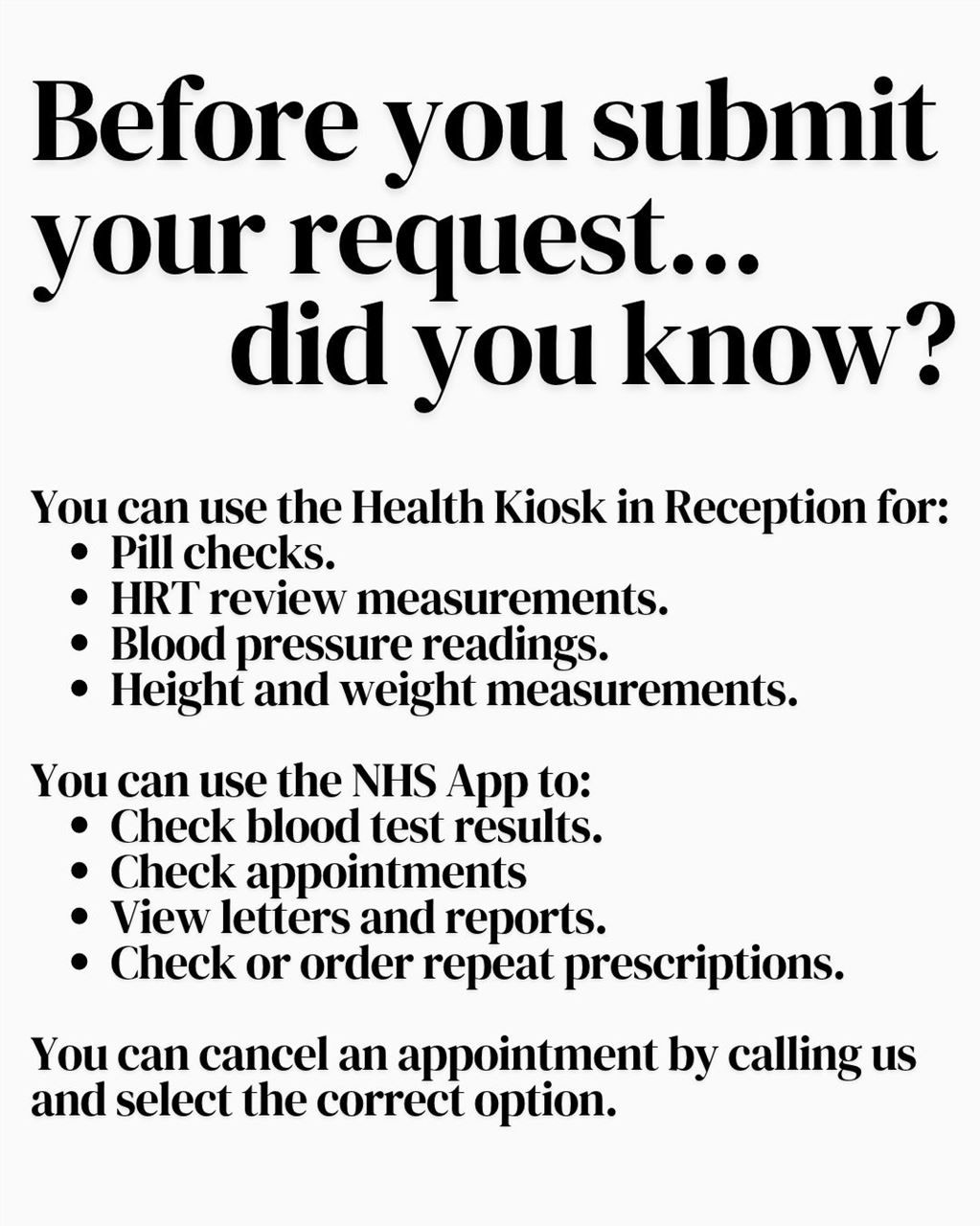
Have you checked the NHS App to see if you can answer your question?
You can cancel an appointment by calling us and selecting the correct option
Examples:
- Booking a routine nurse appointment (use the Ask a Question option).
- Booking a routine GP appointment.
- Requesting a blood test.
- Booking vaccinations.
- Requesting a doctor's letter.
- Requesting a referral (an appointment may be needed first).
- Requesting a Fit Note.
- Asking a non-medical question.
- Discussing contraception or your current treatment.
- Updating your contact details or address.
Under 16's - PLEASE CLICK HERE
Admin or Medical request for Under 16's
If you are requesting help for a child under 16. Your request will be reviewed by the Duty Doctor, who checks medical requests daily.
- Select Child Request (Under 16) for both medical concerns and admin requests.
- You must complete the request using the child's name, not your own. This ensures the request is saved to the child's medical record.
Page created: 04 April 2023